
You marked it live. Now edit from those marks.
Scenaristo reads the chapter markers your OBS hotkey wrote into the recording, and the ones you dropped on Twitch, and lands them as labels on the transcript. It transcribes your mic track rather than the game mix, and it proposes the loud moments you never marked at all. Three hours in, a walkthrough and four clips out, all on your machine.
A three-hour multi-track capture is a normal Tuesday.
OBS keeps your tracks apart: the programme mix on one, your mic on another, game audio on a third. Most editors pick one by luck and land on the mix, so the transcript that search, silences, and captions all depend on spends three hours fighting gunfire and licensed music. Scenaristo probes every track, suggests the one that sounds like a voice, and lets you audition the others, so an unnamed "Track 2" is identifiable without leaving the app.
Length is handled the same way. Transcription and the waveform stream their decode instead of buffering the file, so peak memory stays flat whether the session ran twenty minutes or four hours, on the 8 GB machine you actually own. Record in Hybrid MP4 or Hybrid MOV and a crash leaves a playable session instead of a corrupt one, because OBS writes those fragmented and finalises at the end. Both open here directly. Worth knowing: the chapters go in at that same final step, so a crash keeps the footage and takes the marks.
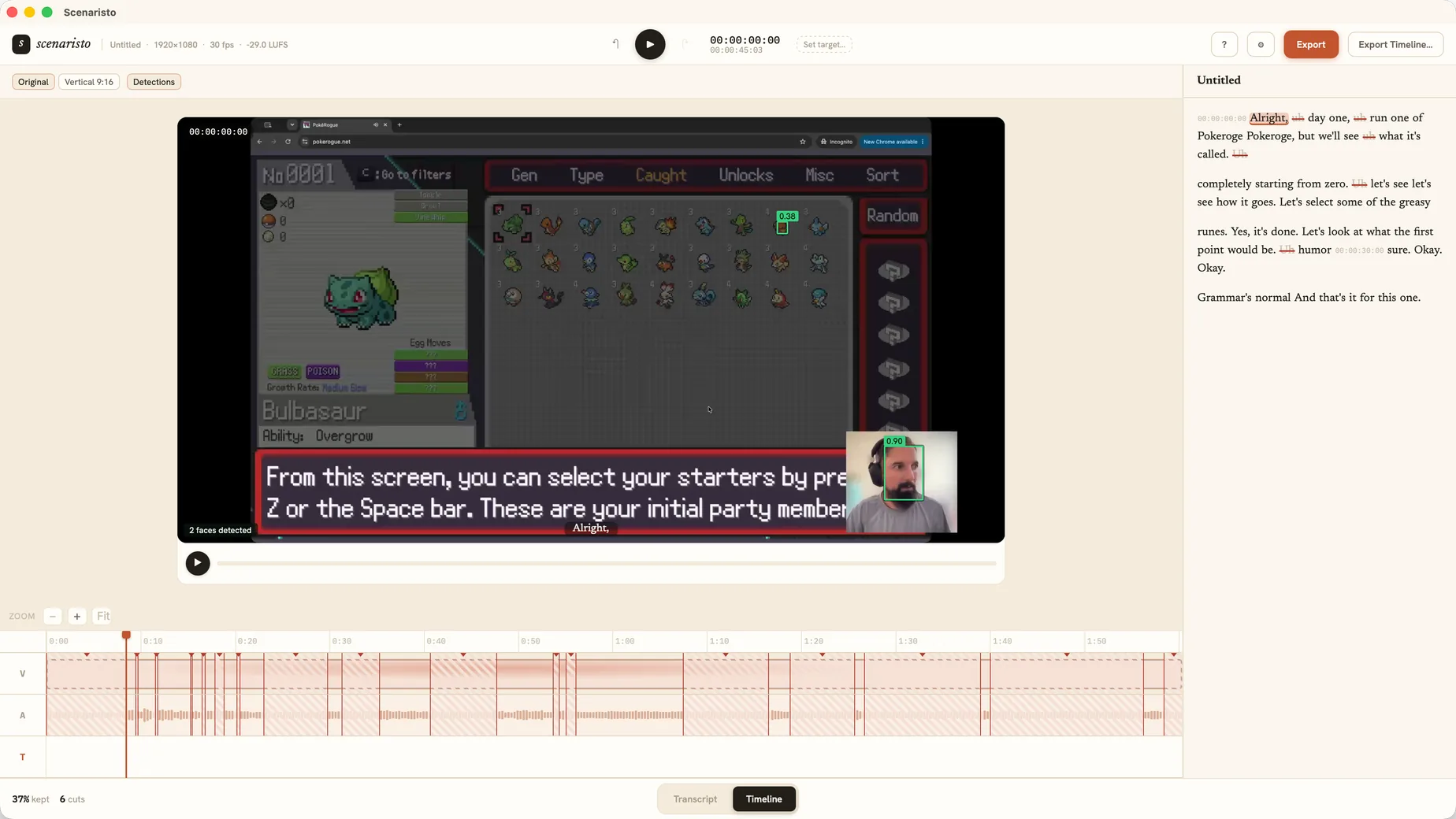 Gameplay + facecam · 2 detections
The hotkey you pressed at 2:14. It comes with you.
Chapter markers written into the file by OBS 30.2 and later import with one click and no timecode arithmetic, because they are recording-relative by construction. Twitch markers and CutCue or Premiere marker CSVs come in from a file, with a single signed-seconds offset for the gap between when the stream went live and when the recording started. Both land as labels on the transcript: proposals you triage, never a cut made on your behalf. And because a live marker is always pressed a beat late, each one opens a thirty-second window reaching twenty seconds back and ten forward, instead of landing on the moment you already missed.
- Import chapter markers. Straight out of the recording. The button reads how many the file carries and stays greyed out at zero.
- From file (CSV). A Twitch marker export, or a CutCue and Premiere marker CSV, recognised by what is inside it rather than by its extension.
- Reactions you never marked. The scream, the clutch, the laugh: candidates scored off your voice track, ranked by intensity, accepted or dismissed one at a time.
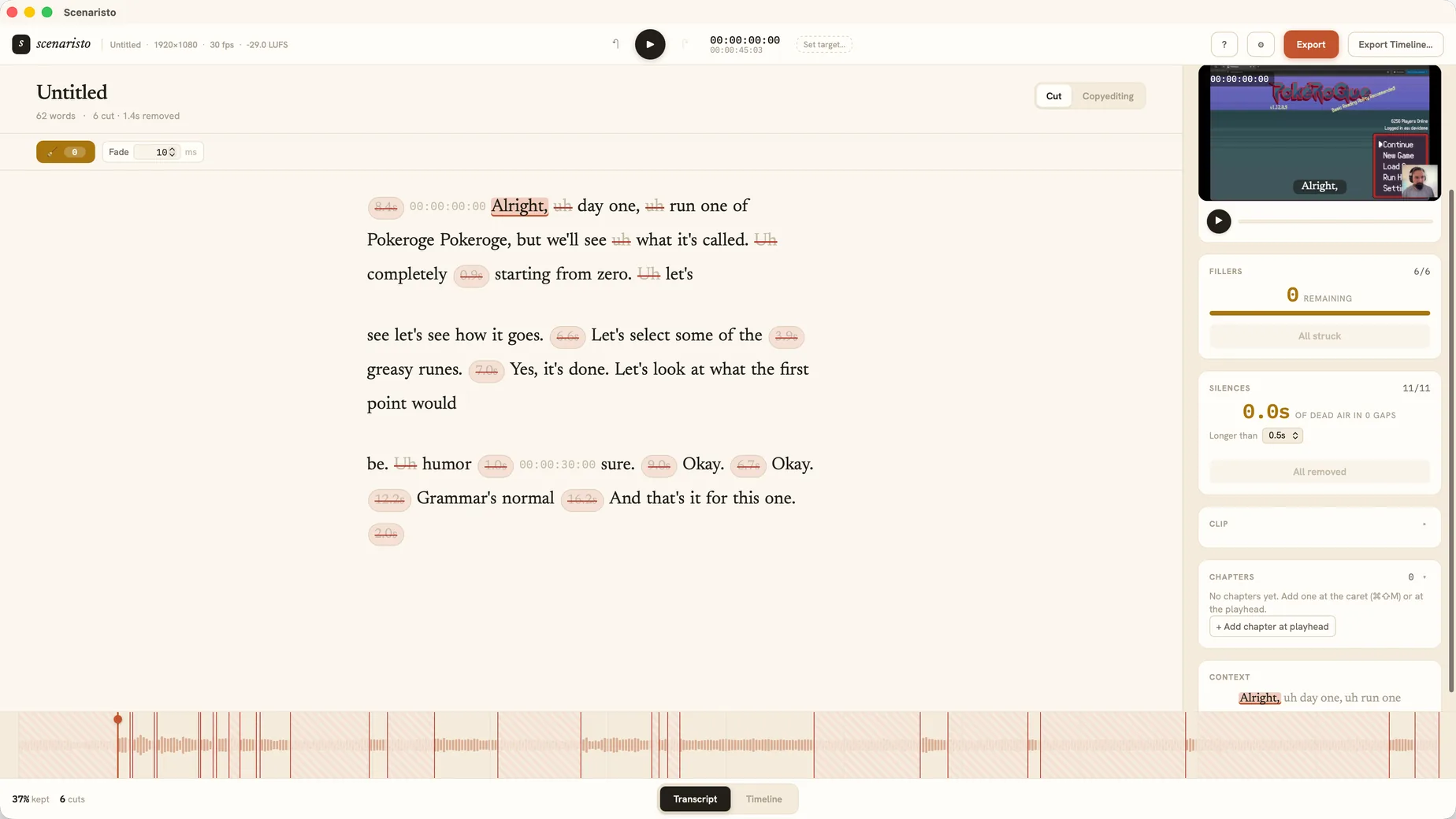 Chapters panel · fillers struck
Four kinds of video. Four different edits.
A walkthrough, a highlight reel, a review, and a challenge run are not one job with four names. Each wants something specific out of the session. Here is what each one gets.
Guides & walkthroughs
Pin a chapter on the word where the boss fight starts, name it, and export puts a YouTube-ready 00:00 block on your clipboard to paste under the video, with the same chapters written as FCPXML markers if you finish elsewhere. Search the transcript to jump to any step, and the captions match the final cut, so a viewer can follow the route with the sound off.
Funny moments & highlights
The best moment in a stream is often not speech at all, so Scenaristo scores your voice track and proposes where you got loud. Accept a candidate, jump to it, select the line, and press ⌘⇧K: 9:16 or 1:1, captions burned into the picture for muted autoplay, mastered to the −14 LUFS social target.
Reactions · ⌘⇧K · 9:16Reviews & previews
A review is mostly proper nouns the model has never heard. Put the studio, the character, and the weapon into the project Term list before you transcribe and every pass biases towards those spellings. Anything that still slips through takes one Correct all matches to fix everywhere at once, without touching a frame of video.
Term list · Correct all matchesChallenges & experiments
A no-hit run, or a "can I finish this on a dance pad" bit, is long by nature. Label the moments worth keeping, set a target runtime, and a live budget chip counts down as you strike fillers, tangents, and silences, so you watch the video reach length instead of guessing at it.
Labels · live budgetShips the video. Keeps the footage.
Export All writes the video, the captions, and the chapter list together with a shared basename: Run.mp4, Run.srt, Run.chapters.txt. Viewers get the full programme mix by default, and on the days the mix has licensed music under it you can send the commentary track out on its own instead.
Pulling vertical highlights for Shorts, Reels, or TikTok out of the same session? That is the Shorts workflow, on the same project file.
Everything in one pass
MP4 at source resolution, encoded to the H.264 spec the platforms ask for, with SRT and VTT re-timed to the final edit. Variable-rate capture is conformed on the way out, so the picture and the sound do not drift apart.
Hand off to your NLE
Export an FCPXML timeline, cuts, crossfades, and chapter markers intact, to finish in Final Cut, Premiere, or DaVinci Resolve. No media is re-encoded on the way out.
Embargoed footage stays put
Transcription, reaction scoring, face detection, and encoding all run on your machine. Nothing is uploaded and no account is required, so a preview build under embargo never reaches anyone else's server.
From raw session to published video.
Drop in the session
Hybrid MP4, Hybrid MOV, MKV, or WebM straight from OBS. Point it at your mic track, and a three-hour file is editable from the first transcribed minute.
Bring in your marks
Import the chapters from the file, or a Twitch CSV with an offset, then let reaction detection propose the ones you never pressed.
Cut by reading
Strike the loading screens, the tangents, and the fillers, and pin the chapters a walkthrough needs to jump to.
Export All & upload
One dialog writes the video, the captions, and the chapters. Paste the chapter list into the description and the video is out.
Cut tonight's session
before it goes cold.
macOS · Windows · on-device · no account, no upload